Browser / Daily logic puzzles / Game guide
Hukola: six daily puzzles, Kicksled moves and the sauna score
Start Hukola as a guest, understand Kicksled’s slide-and-stop rule, and read the daily median and sauna logs without mistaking a restart for a fresh score.
Open original game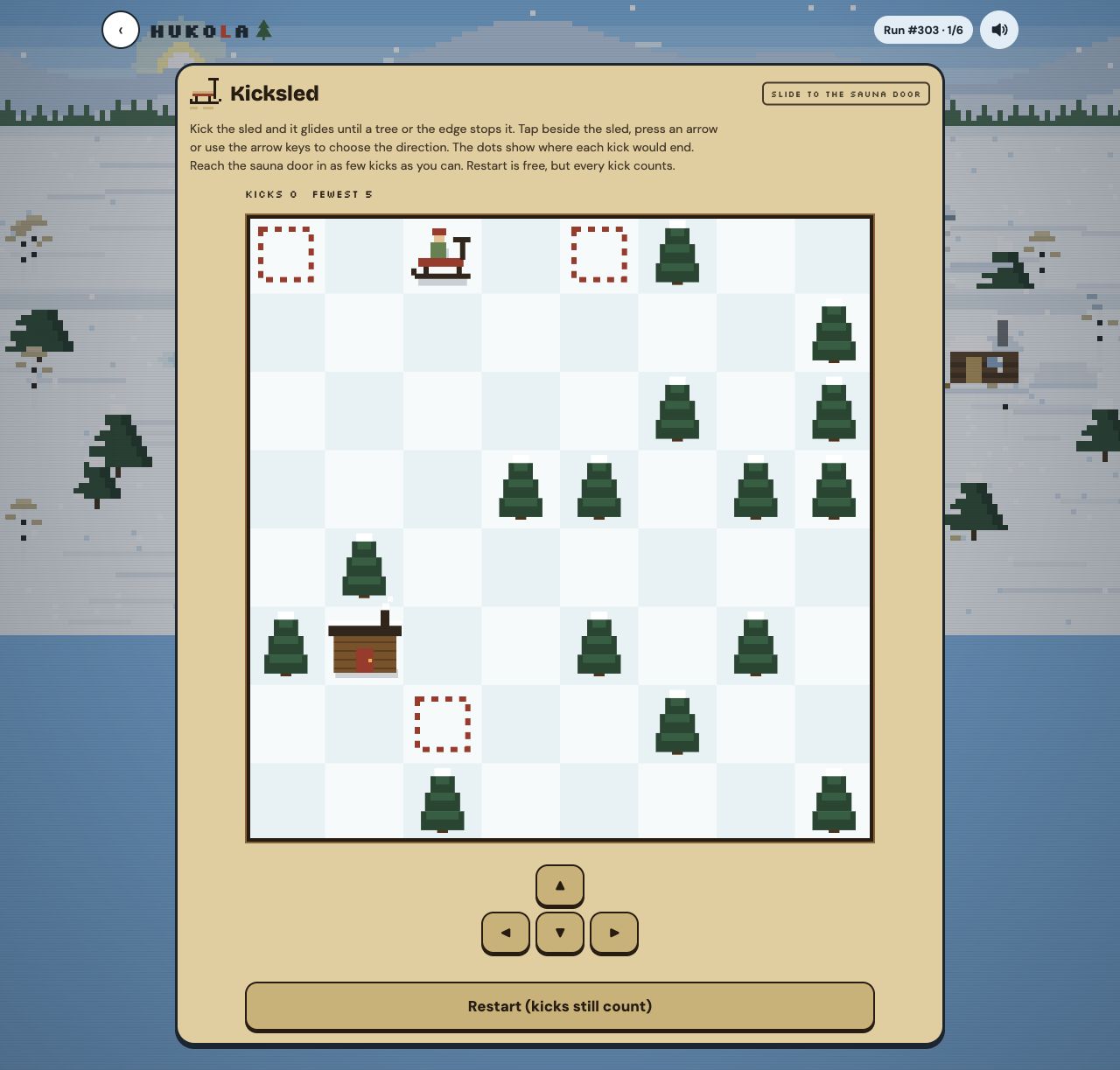
From our playtest
We opened Hukola without an account, made one Kicksled move and pressed Restart. The board reset while the kick counter stayed at one. We read the village and scoring settings. We did not complete a puzzle, submit a finished run, test all six games or verify phone controls.
Tested . The game is developed independently; this guide describes the version we checked.
Enter the village on the original site
Hukola is a daily collection from Rootcause Games. The village currently introduces Kicksled, Woodpile, Heat Pipes, Snowplow, Ricochet and Ski Jump. These are different activities, so read the instruction panel each time rather than carrying one game’s controls into the next.
We reached Kicksled as a guest. Settings says guest scores already contribute to the day’s crowd; an account keeps one identity across devices. This guide sends you to the original site, whose framing policy blocks an embedded player.
Plan where a kick ends
Kicksled asks you to reach the sauna door with as few kicks as possible. A kick continues until a tree or the board edge stops the sled. The dotted markers show possible stopping points. Direction buttons and arrow keys are described in the game; our check used a direction button.
Before moving, follow the whole lane to its stopping point. Then check whether the next lane can line up with the door. Treat obstacles as stopping surfaces, rather than expecting the sled to stop beside any square you choose. This is a planning suggestion, not today’s solution.
Choose a stopping point, then plan the next kick
A square beside the door may look useful but still be unreachable as a stopping point. Begin with the dotted endpoint for each available direction. From that endpoint, trace the next straight lane and its next stop. You are comparing a sequence of stops, not drawing a freely turning path through individual squares.
Choosing a direction slides the sled until a tree or the board edge stops it; tapping closer does not shorten the slide. Look for a tree or an edge that gives a useful stop from another direction. This is a planning example derived from the rules, not a route through today’s board or a verified minimum-kick solution.
| Before the kick | Question to answer |
|---|---|
| Find the endpoint dot | Where does this complete slide end? |
| Inspect the next lane | Can I move towards the door from that stopping point? |
| Compare a different direction | Does another stop create a better approach? |
| Read KICKS after moving | What did this action add to my current run? |
A restart keeps the cost of earlier kicks
Our first move changed KICKS from zero to one. Restart put the sled back at its initial position while KICKS remained one. The button explicitly says that kicks still count.
Use the reset to recover your board position, but do not expect it to erase your earlier moves. The FEWEST figure is a separate benchmark shown on the current board; it is not the number of kicks you have left.
Restart, FEWEST and a log answer different questions
The Kicksled instruction panel says, “Restart is free, but every kick counts.” Earlier kicks therefore remain part of the run. Its Restart button also says “kicks still count”, matching our earlier one-move reset check. Read “free” together with that counter behaviour before using resets to explore different routes.
FEWEST is the board benchmark; KICKS is your run’s accumulated count; a log depends on beating the day’s bar described in Settings. None of these is a remaining-move allowance. Reaching the door, matching the benchmark and earning a log are therefore separate checks. The daily bar can change as the crowd grows, so a screenshot of that bar should not be treated as a fixed score target for every player or day.
Read the daily bar before counting logs
Settings explains that beating a game’s daily median earns its neighbour’s log, with a maximum of six. While the crowd is small, the bar uses a typical-crowd estimate before handing over to the actual median.
After game six, the displayed sauna bands are 0–1 logs for lukewarm, 2–3 warm, 4–5 hot and six legendary. A completed board and a log are therefore different outcomes. We have not independently checked the day’s ranking or completed this scoring sequence.
Keep free daily play separate from Unlimited
The village says today’s puzzles remain free. Unlimited is an optional one-time purchase for repeated play; this check did not buy it or test a paid account. Use the current original-site offer for its price and purchase terms.
The maker’s terms allow sharing screenshots and results, while prohibiting copying the game or its art to make another game. Our image documents the original board; Play739 does not host its code, puzzles or account system.
Sources & update record
- Hukola — original village, Kicksled instructions and scoring settings
- Hukola — terms and screenshot sharing
October 29, 2026 — Playtest observations and creator information checked for this guide. Game names belong to their respective owners.
Update history
- — First published.
- — Clarified how direction selection differs from slide distance and attributed the restart wording to the Kicksled instruction panel. The recorded playtest scope is unchanged.
Another game, another little discovery.
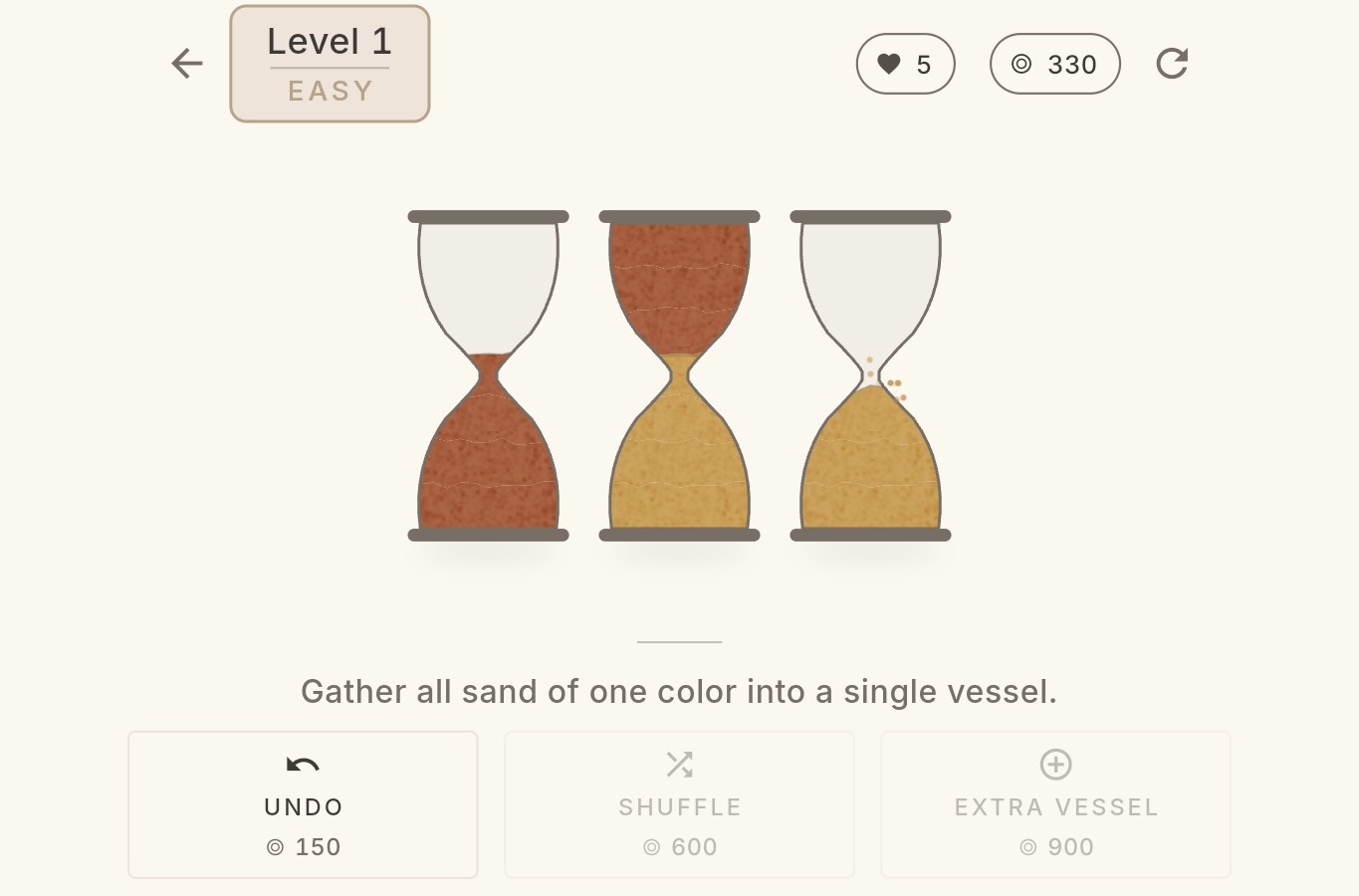
Vials Sand Sort guide: first-level solution, helpers and restart costs
See our recorded three-pour solution to the first browser level, learn why a restart can cost a life and keep browser and App Store rules separate.
Read the guide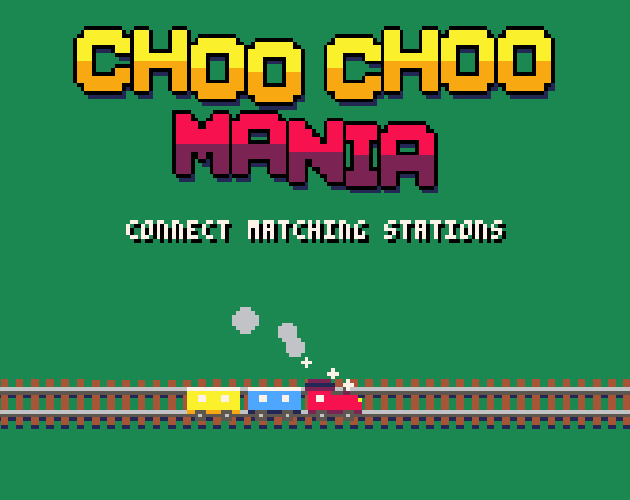
Choo Choo Mania guide: connect stations without crossing tracks
Learn featurekreep’s route puzzle, mouse dragging and the keyboard track-laying control.
Read the guide
Mosaicle rules: reading clues, empty squares and daily pictures
Learn the nonogram rule with a small worked example, then choose daily or practice play in Majkel Studio’s browser demo.
Read the guide