Roblox / Horror obby / Game guide
DONT SPLASH: party settings, platform rooms and the camera exit
Find the correct Roblox experience, read the separate difficulty and monster settings, and use timecoded gameplay to prepare for sinking platforms, memory tiles and the camera objective.
View on Roblox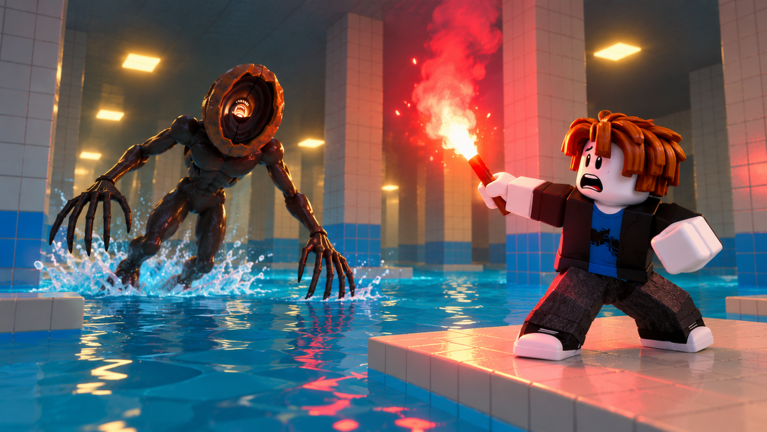
Watch the gameplay, then follow the steps
DO NOT SPLASH
Original recorded gameplay, published October 24 in Los Angeles (October 25 UTC). The room prompts and party menu below refer to that recording; the current Roblox V2 listing may change.
The recorded first room introduces jumping between platforms to reach its exit.
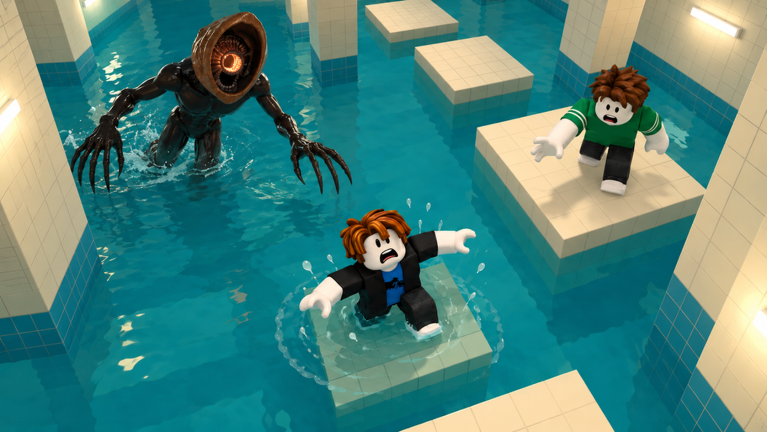
The room instruction distinguishes platforms that sink from dark-bordered resting platforms.
Watch the bridge align before attempting the crossing.
Observe the tiles that light up rather than copying a remembered route from another run.
The recorded Locked Exit instruction asks for photos of four numbers on pillars.
The recording returns to a menu with separate party-size, difficulty and monster-count controls.
Open the correct DONT SPLASH
Use Roblox place 119958473240233, linked above. In this October 28 check, its public listing names Bacon Theory as the publishing group and describes inspiration from the Poolrooms and House of the Locust. Roblox’s October 17 creation timestamp is a platform record, not proof of the first public release.
The similarly named It Hears The Water is a different experience. Keep the place link with your notes instead of relying on a shortened title or copying another game’s controls. This guide combines current listing checks with an older recorded run; it is not our own client playtest.
Read difficulty and monster count separately
At about 15:50, the recorded player returns to party setup. The menu shows a four-person party setting, Easy and Normal difficulty choices, and a separate monster counter with minus and plus controls. Easy is marked as the recommended starting choice, with shorter stages, more platforms and reduced coin rewards in that recording.
Choose a manageable setup before starting, then read the monster counter again. Do not assume that a difficulty name always fixes the monster count. The current Roblox server limit is ten players; that number describes the server, not the party setting shown in the footage.
| Setting | What to check before starting |
|---|---|
| Party size | Your intended group size and who has joined |
| Difficulty | The selected option, rather than the highlighted recommendation alone |
| Monster counter | The displayed count after changing difficulty |
| Map | The selected destination; a map tile is not evidence we completed that map |
Match your movement to the room instruction
The recording changes its movement problem from room to room. A useful first-run habit is to stop on safe ground, read the next instruction and identify the intended landing before jumping. The following references describe the recorded version, not a guaranteed current stage order.
| Video time | Recorded challenge | What to practise |
|---|---|---|
| 0:06 | Pillar Hall | Plan the next platform landing before moving |
| 2:34 | Broken Walkway | Compare narrow ledges and short hops with the longer platform jumps |
| 3:28 | Sinking Platforms | Keep moving on sinking tiles; use the marked safe platforms to pause |
| 4:36 | Rotating Bridge | Wait for alignment, then time the crossing |
| 7:10 | Drifting Platforms | Account for the push direction before committing to a jump |
| 9:16 | Memory tiles | Watch the safe tiles illuminate and remember the route shown to you |
| 11:20 | Crushing Walls | Look for the open lane while the other walls move |
Use distractions as an opening, not a guarantee
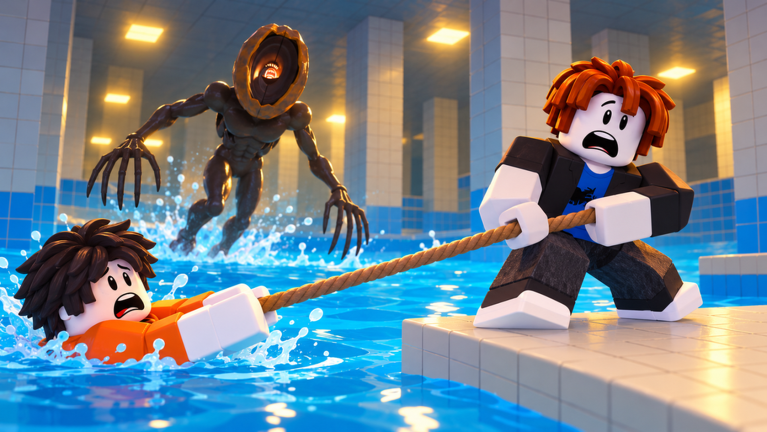
The recorded player collects a pebble near 0:55 and later throws pebbles towards other parts of the water while crossing. The footage also includes missed jumps and downed states. A thrown item does not establish that the next landing is safe.
Our suggestion is to decide where you want to move before spending a distraction, then judge whether the creature has moved far enough from that route. This is a way to read the footage, not a measured hearing radius, stun duration or invulnerability rule.
The camera exit asks for evidence from your run
Near 12:16, the recorded Locked Exit objective asks the player to find four numbers on pillars and photograph each with a camera. Follow the current camera prompt and inspect the pillars in your own run instead of treating a filmed number as a universal door code.
The source does not establish whether every future run reuses or changes those numbers. We therefore give the objective and video reference, rather than advertising a fixed answer or claiming a complete current-version escape test.
Keep the current game and the recording distinct
The video was published on October 24 in Los Angeles, which is October 25 UTC. Its menu and room examples predate the current V2 listing check. If a setting, room or prompt differs, use what your Roblox client actually displays. Farm availability, exact reward amounts and current item prices were not independently tested here.
The Roblox badge endpoint returned an empty list in this check. That is not a code list or a promise about future badges. No verified redeemable codes, phone bindings or alternate endings are supplied. The Roblox button opens the original experience; the embedded video is a reference recording, not a playable game.
In the game
Sources & update record
- Roblox — original DONT SPLASH experience
- Roblox — current public data for universe 10771421858
- FusionZGamer — original DO NOT SPLASH gameplay
- Roblox — public badge listing checked October 28
- Roblox — separate It Hears The Water listing
October 28, 2026 — Creator information and timecoded community gameplay checked. Video examples describe the recorded version; this is not our own playtest. Game names belong to their respective owners.
Another game, another little discovery.
Toons Universe: the original Roblox game and your first extraction
Find Toon Shenanigans’ original experience, understand the INNOVA resource-recovery objective, and prepare for a first visit without unverified codes or character rankings.
Read the guide
Clover RPG controls: attacks, movement and the quest journal
Use the controls document linked by Clover RPG’s creator, and distinguish documented inputs from unverified code and wiki claims.
Read the guide
A Bizarre Run controls: Stands, Specs and the Steel Ball Run
Separate Stand inputs from Spec abilities and find the correct Roblox experience before following a Trello link.
Read the guide